
Images
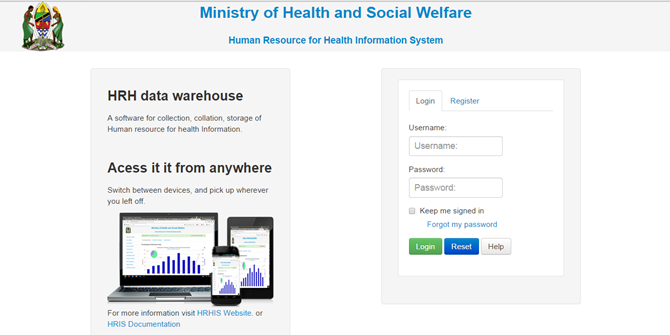
fig 1: Login Interface

fig 2: Unsuccessful Login Interface

fig 3: Interface displayed after successful login
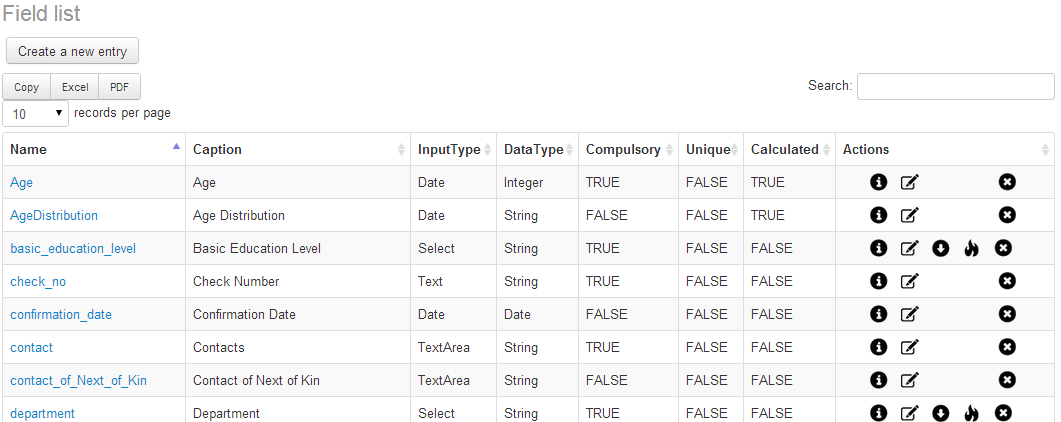
fig 4: Fields Interface
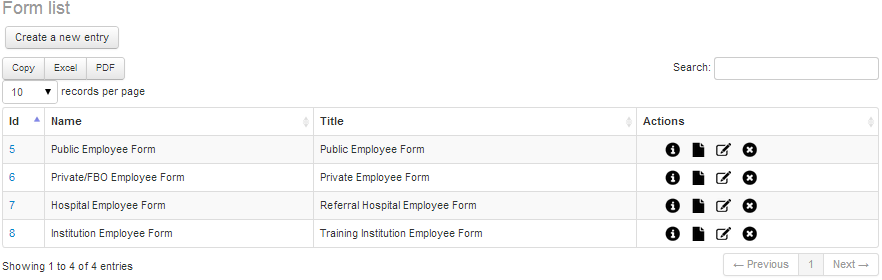
fig 5: Interface for editing the form and adding details

fig 6: Interface for editing the form and adding details

fig 7: Interface for designing the form and assigning it the fields you want.
fig 8: List of form available for entering data.


fig 11: View records options

fig 12: Search record option

fig 13: A list of records in the system

fig 14: History Information of a record

fig 15: Add History

fig 16: In service training information of a record

fig 17: In service training information of a record
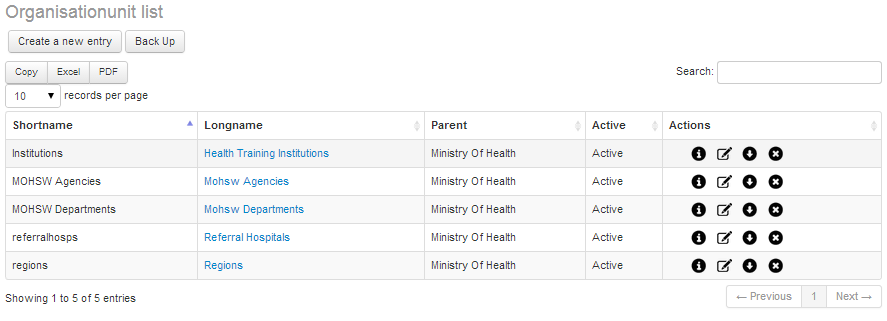
fig 18: Interface to display Organization Units.

fig 19:Interface for the MOHSW Children

fig 20: Form for editing organization unit details

fig 21: Interface for displaying organization unit groups

fig 22: Editing organization unit group details.

fig 23: Creating new organization unit group set.
fig 24: Interface for editing user role.

fig 25: Interface displaying available system users.

fig 27: Record Report Generation.
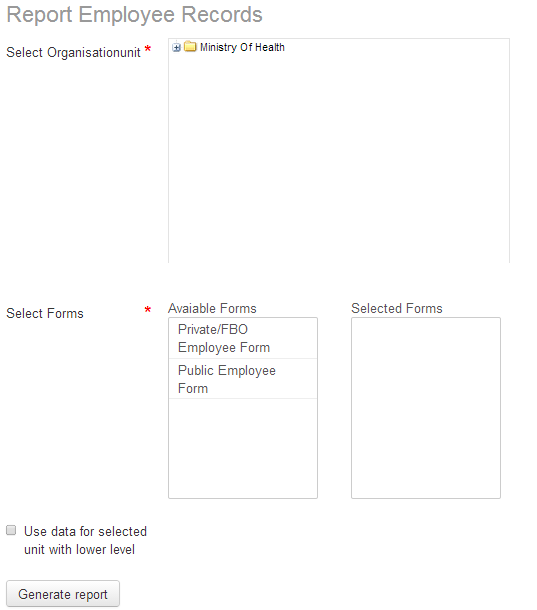
fig 28: An example of Record Report.

fig 29: Export to Spreadsheet Buttons.

fig 30: An example of Record Report.

fig 31: Generating aggregated report.

fig 32: An aggregated report (field one: age distribution, field two: sex).

fig 33: An aggregated report (field one: employment distribution, field two: sex).

fig 34: An aggregated report (field one: Retirement distribution, field two: sex).

fig 35: An aggregated report (Single field: Employment distribution).

fig 36: History and In service Training report.

fig 38: Interface for importing data into the system.

fig 39: Interface for importing data into the system.